Run Denframe at home
Install Denframe Desktop on a Mac or Windows PC that stays on. Denframe is a small local web service, not a cloud account.
Denframe is a private, self-hosted family dashboard for calendars, weather, notes, art and smart-home status. It runs on your Mac or Windows PC and keeps household control on your network.
Turn a TV, Nest Hub, Chromecast or Android panel into a calm view of today’s schedule, the weather, family notes and art.
Free during the pilot and beta · No Denframe account · Read-only calendars · Signed Mac beta, Windows pilot
Signed beta for Mac, pilot for Windows
Casts to Chromecast, Google TV and Nest Hub, or opens in a TV browser
Every screen on the same home network
Install Denframe Desktop on a Mac or Windows PC that stays on. Denframe is a small local web service, not a cloud account.
Start with a layout, add only what matters and preview it at the screen's real size.
Cast to a receiver on the same Wi-Fi, open it in a TV browser or pair an Android panel.
The editor draws your dashboard exactly as the chosen screen will, at its real size. Pick a block on the picture to change it; the panel follows what you select.
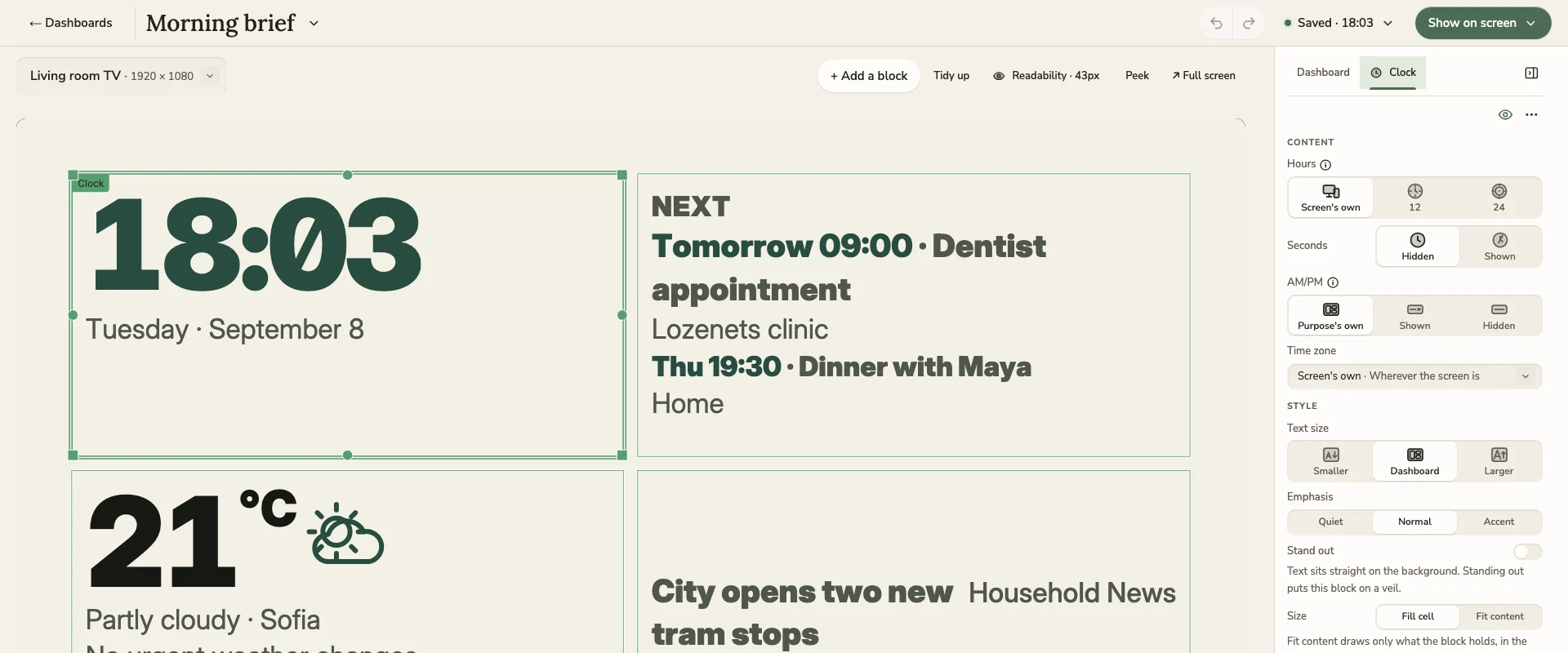
The dashboard editor, with synthetic sample data.
Add a block, then drop it on the picture. Tidy up lines everything back into the grid, and Delete is one undo away.
Let artwork and photos bleed to the edges, choose how they fit and where they focus, and draw a palette from the picture itself.
The readability check sizes text for the distance you sit from each screen, and says how many lines would read too small.
Connect a calendar, a weather location or a feed from the block itself, then carry on editing where you were.
Not a feed, not a notification wall — the handful of things a family checks on the way out the door.
Today's calendars, the weather and what to wear, notes and the grocery list on the kitchen screen. Calendars connect read-only.
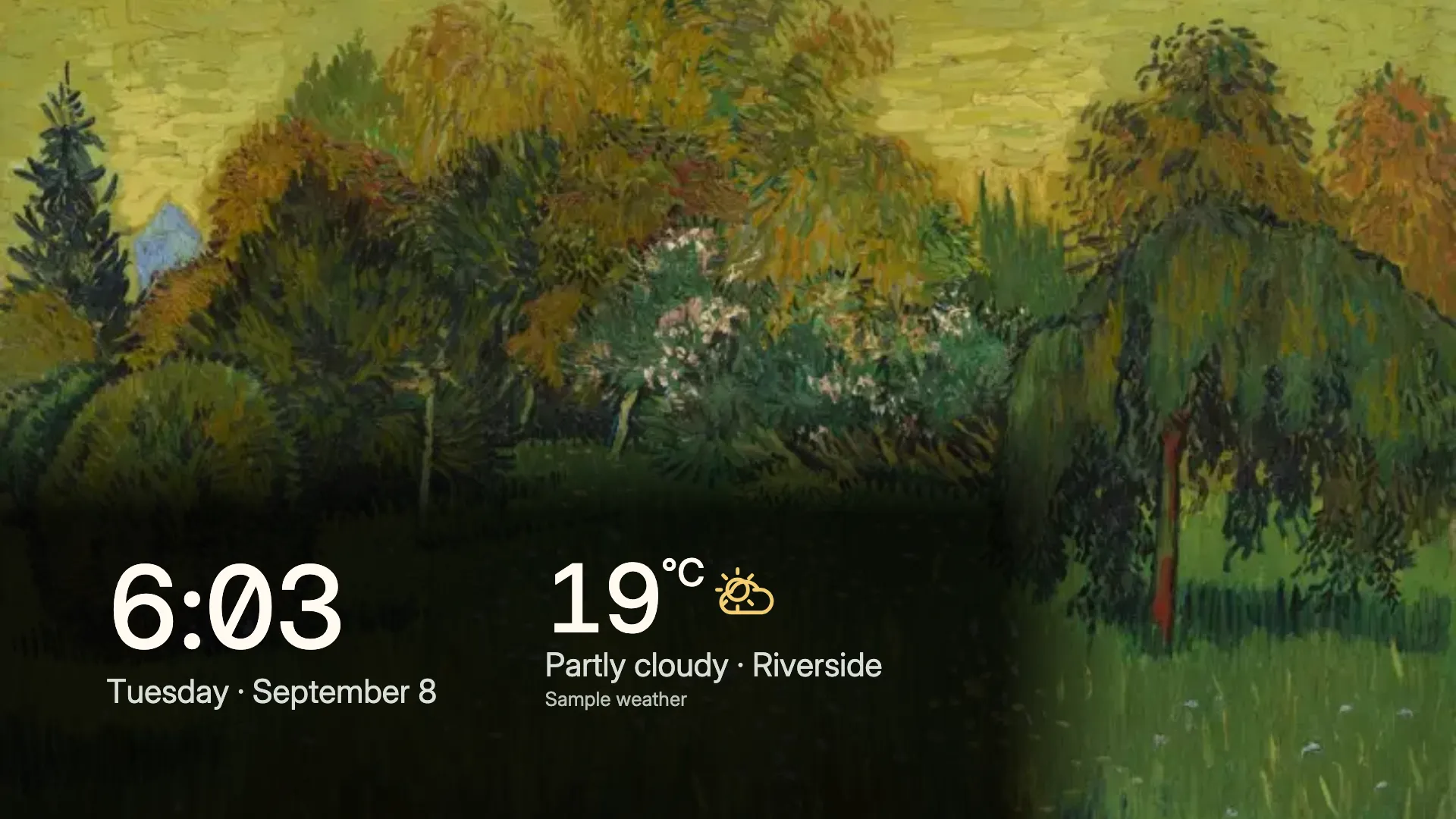
Attributed public-domain artwork with a quiet clock. The included art works offline, with no account.
Selected Home Assistant readings beside the day, without turning the screen into another cloud account.
More on a self-hosted family dashboard and a family calendar on your TV.
Most smart-home dashboards are a website with your family’s calendar on it. Denframe is a small service on a computer you own, and the security model follows from that.
Listens only on the computer it runs on until you deliberately open it to your Wi-Fi.
The household password is hashed on the device with PBKDF2 and never transmitted.
Sign-ins become 12-hour sessions you can revoke; wrong passwords are throttled.
Paired phones receive restricted grants with an expiry, never owner credentials.
Diagnostics and metrics stay on the device. Nothing phones home.
Backups are files you keep, with a verified restore and a rollback copy.
Say what a screen is for — a Glance, a Gallery, Home or Now playing — and start from a complete starter layout instead of an empty canvas. Three work immediately with bundled art and no account; the others ask only for the few choices they need.
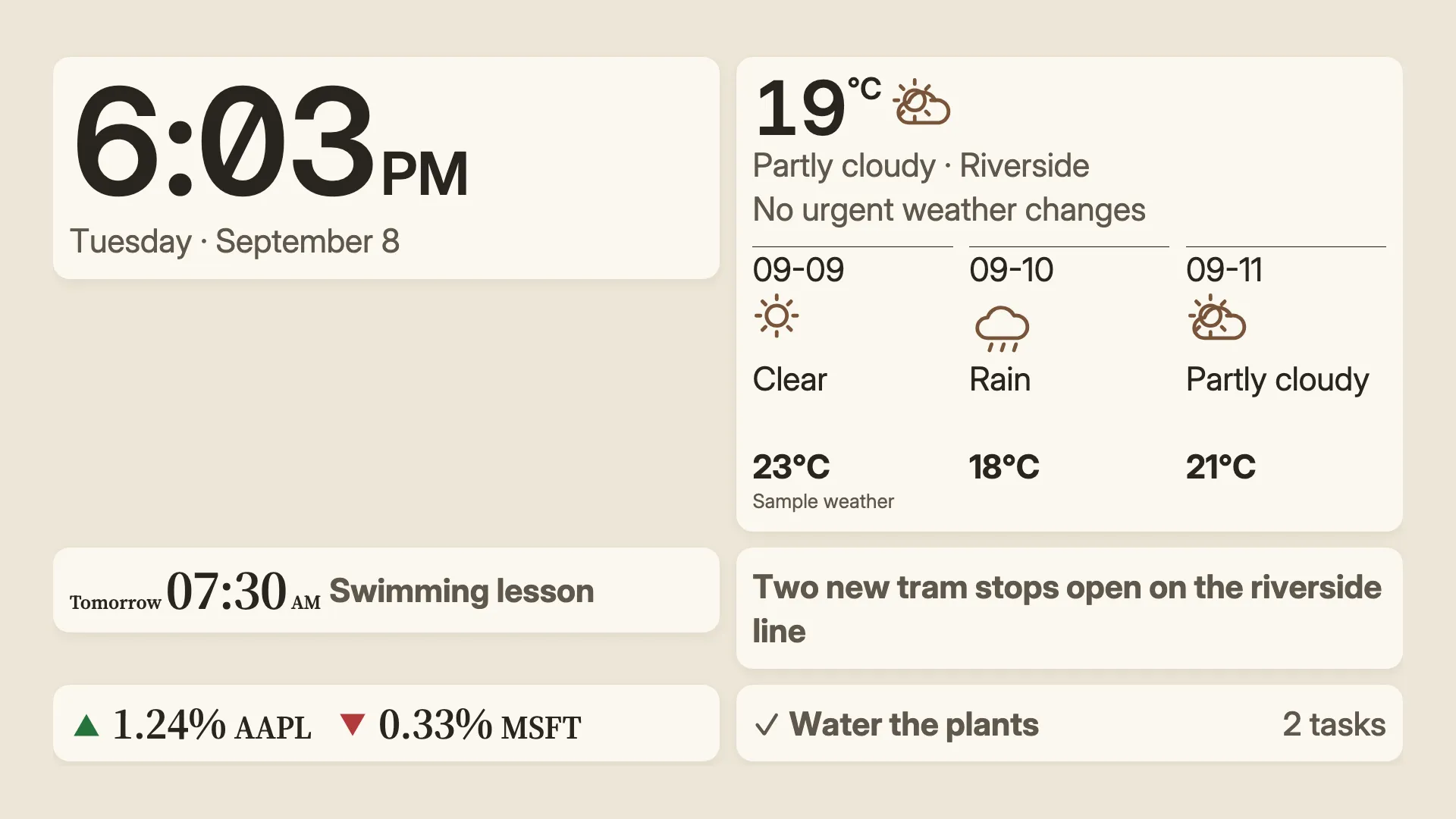
Linen: A warm household view with soft paper tones and calm, readable serif details. Synthetic sample data.
The same dashboard in each look: 6 looks change its type, colour and rhythm, never what it shows. See every look in the library.
Local time and weather, with a headline feed only when you choose one.
Attributed Open Access art, a clock, and optional weather for a confirmed city.
Time and dated daily currency reference rates for the places you follow.
A calm rotation of bundled, attributed public-domain artwork with a discreet clock.
Weather and time, ready for your own notes, calendar, tasks, and meal plan.
A warm art display with time and optional guest information that you author.
Weather uses Open-Meteo only in eligible personal or self-hosted modes. Personal calendars, photos, Home Assistant and stock quotes stay optional and are never connected automatically. Short learning and fun packs bring vocabulary, sound and puzzle cards to a screen.
The Mac installer is signed, and notarized by Apple on a Mac, so your operating system names the publisher. The Windows installer is still the unsigned pilot, so your operating system may show a warning; its installation guide explains the warning and how to check the file. Each download lists its version, its tested environment and its SHA-256 checksum. Review the known limitations before relying on Denframe every day.
Screens show what the host computer serves. When it sleeps or restarts, displays wait until it is back.
Cast receivers, TV browsers and Android panels must be on the same home network as the host.
Signed beta and pilot installers exist for an Apple silicon Mac or a Windows 11 PC; the compatibility page lists each build's minimum version. There is no Intel Mac or Linux installer.
Home Assistant app: Supervised install and registry publication are unverified. Chromecast and Google TV: Casting is one-way through DashCast until Denframe's own receiver is registered. Nest Hub and Nest displays: Touch and sound are unverified until a real Nest Hub passes their tests. Android panel app: The seven-day soak on a real panel has not run yet. Samsung and other DIAL/UPnP TVs: Evidence beyond one Samsung set, overnight running included, is still open. Samsung TV bridge and Art Mode: Sensing is capability-gated and rests on one Samsung set's evidence. Home controls through Home Assistant: Not yet tried on a real lamp and switch. Apple Home through Home Assistant: Not yet tried from the Home app and Siri through Home Assistant's HomeKit Bridge. Built but off in beta builds, and not offered: Denframe Cloud, Apple TV app, Direct HomeKit accessories, Denframe's own HomeKit bridge, Home controls on touch panels and Ticking Google Tasks from screens.
An iPhone and iPad companion is an idea, not scheduled; use the browser in the meantime.
Check what works today · Release notes · About the beta · Support by email
Free and full-featured through the pilot and the beta that follows it. Planned 1.0: a one-time household licence, price to be announced. Early households — everyone who joins during the pilot or the beta — get 40% off the 1.0 household licence.